
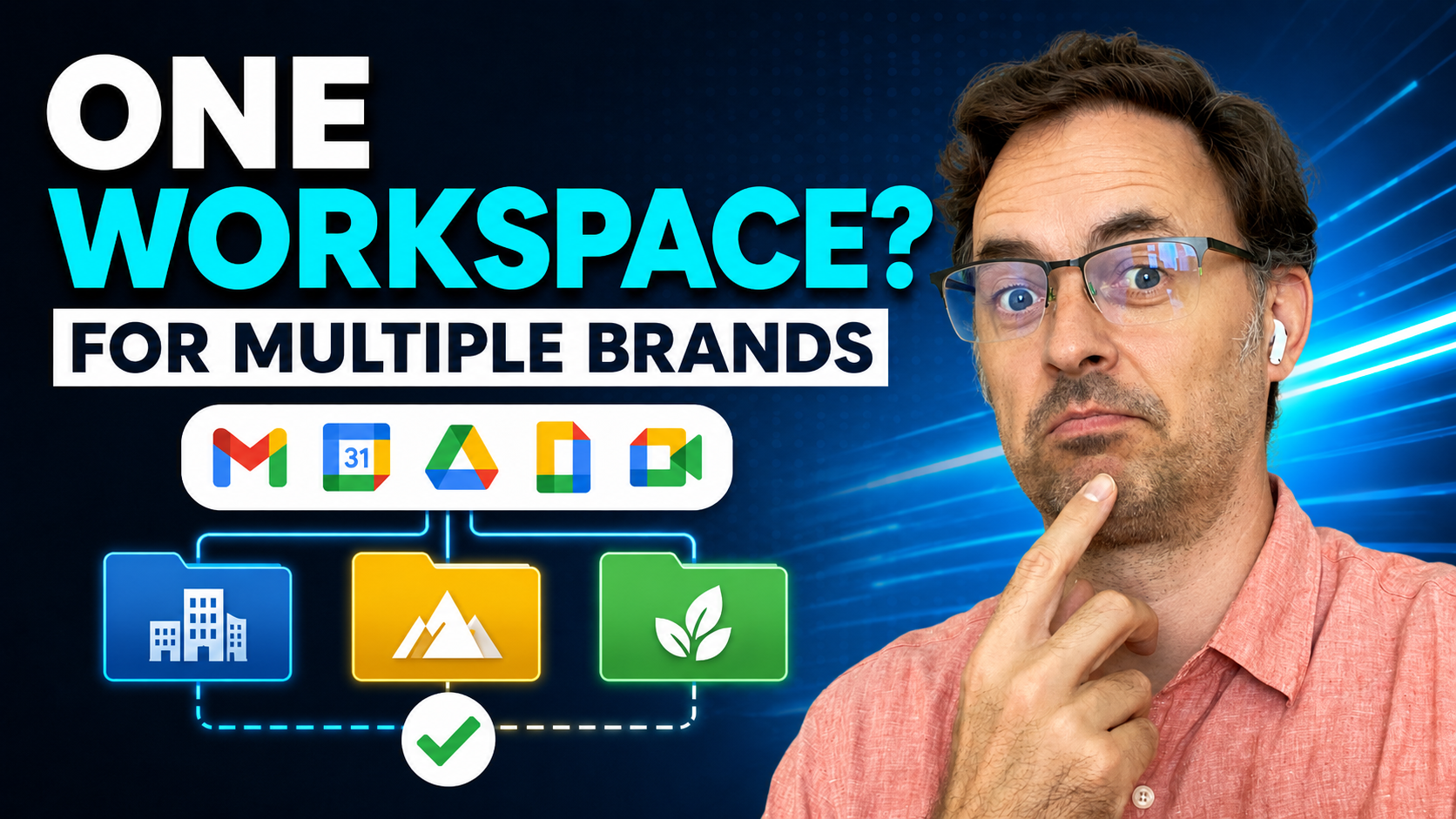
If you run more than one brand, it is easy to assume each brand needs its own Google Workspace account. Sometimes that is true, but it is usually the wrong starting point.
The better question is whether these are actually separate businesses or just different brands sitting under the same business. That matters because the structure you choose now affects email, files, permissions, billing, security, admin work, and how painful it becomes if one brand needs to be separated later.
This is where small business owners often get caught. They try to save money up front by keeping everything together, but then create a much bigger cleanup job later. Or they go the other way and create separate Workspace accounts for every brand, only to end up with more logins, more licences, more inboxes, and more places for files to go missing.
Google Workspace gives you a few ways to handle multiple domains, but the technical option should follow the business structure. Workspace is just the tool. The real decision is what you are actually building.

Start With the Business, Not the Domain
The first question is not how many domains you own. The first question is how separate the businesses really are.
Some founders have two or three brands, but underneath it is all one operation. Same owner, same assistant, same team, same files, same back end, same delivery process, same invoices, and the same general workflow. In that case, separate Google Workspace accounts may make everything heavier than it needs to be.
Other founders have brands that are genuinely separate. They may have different legal entities, different liabilities, different contracts, different books, different investors, different staff, or different exit plans. In that case, keeping everything inside one Workspace environment may be cheaper now, but messier and riskier later.
This is why the domain decision should not sit in isolation. Your domain setup should reflect the business structure, not the other way around.
Option One: Use a User Alias Domain
A user alias domain is usually the simplest option when you have one business operating under more than one brand name. It gives existing users an email address at another domain, so the same person can send and receive email from both domains without needing a separate paid user account for each one.
For example, someone might have mary@mainbrand.com as their main account and also receive email at mary@secondbrand.com. That can work well when the same person is operating across both brands and the brands are not truly separate behind the scenes.
This is often the cleanest option for side brands, marketing brands, alternate trading names, or related offers that are still part of the same business. It keeps costs lower, keeps users in one place, and avoids creating unnecessary admin overhead.
There is one catch that business owners need to understand. Users still sign in with their primary email address, not the alias address, and Google files or Calendar activity may expose the primary account identity in some situations. That may be fine for one underlying business, but it may not be fine if the brands need to feel completely separate to clients, staff, partners, or buyers.
Option Two: Use a Secondary Domain
A secondary domain is better when you need different users on different domains, but you still want everything managed inside one broader Google Workspace environment. Users on the secondary domain can have their own account, email address, and mailbox, while the admin team still manages the environment from the same Admin console.
This can make sense when the businesses are related, the back office is shared, and the same leadership team needs one place to manage users and settings. It gives more separation than an alias domain, but it is not the same as running a completely separate Google Workspace account.
That distinction matters. A secondary domain still sits inside the same Workspace environment. Some settings and features remain tied to the primary domain, and you do not get a clean wall between brands simply because the email domain is different.
A secondary domain is useful when you need separate accounts under another domain, but not a full business separation. It is a middle ground, and like most middle grounds, it works well when the business structure actually matches it.
Option Three: Use Separate Google Workspace Accounts
A separate Google Workspace account may be the right answer when the businesses are legally separate, operationally separate, or likely to be sold, spun out, or handed over later. It costs more, but it creates a cleaner boundary from the start.
This matters because separation is not only about email. It is about files, access, ownership, contracts, admin rights, shared drives, billing, security, and the future of the business. If one brand gets into legal or financial trouble, you do not want the others tangled up in the same data and access structure just because it was cheaper to keep everything together at the start.
This is also important if one brand might be sold. A buyer does not want to inherit a business that is mixed into another brand’s inboxes, Drive folders, admin settings, and user accounts. They want something they can understand, take over, and operate cleanly.
Separate Workspace accounts can feel more expensive early on, but that cost may be small compared with the cleanup bill later. Untangling a business after years of shared access and mixed files is usually harder than people expect.
The Legal Structure Should Guide the Setup
If the brands are legally separate, that should be taken seriously. Different legal entities may have different contracts, liabilities, insurance obligations, tax records, client data, and ownership structures.
That does not automatically mean you must have separate Google Workspace accounts in every case, but it does mean the risk is different. When data, files, inboxes, and access are all tangled together, a problem in one part of the business can become harder to contain.
This is where saving a few dollars on licences can become false economy. The question is not just what Google allows you to do. The question is what structure protects the business, reduces confusion, and makes sense if something goes wrong.
If you are not sure, it is worth getting proper legal, accounting, and technical advice before making the call. Workspace setup is not legal structure, but it should support the legal structure instead of fighting it.
Think About the Future Before You Choose
The setup that works today may not be the setup you want in two years. That is why future plans matter.
Are you building all the brands to keep? Is one brand a test project? Could one brand be sold? Could one become a separate company later? Could a partner, investor, or buyer need clean access to only one part of the business?
These questions matter because extraction is usually painful. It is much easier to keep things separate from the start than to separate them after years of mixed files, shared mailboxes, unclear ownership, and overlapping permissions.
That does not mean separation is always better. It means you should not choose the cheapest structure without thinking through what it creates later. If one brand is likely to leave the nest, give it enough structure now so it can leave cleanly later.
The Cheap Option Can Become Expensive Later
Alias domains and secondary domains can save money and reduce admin, but they can also create a future cleanup job if they are used for the wrong reason.
The problem usually starts innocently. A founder adds a second domain, then a third, then a few shared folders, then some team members start working across everything. Over time, nobody knows which files belong to which brand, which email address owns which relationship, or what should happen if one part of the business needs to be separated.
That is when the cheap option becomes expensive. The cost is not just technical migration. It is time, confusion, risk, lost context, client disruption, and the chance of moving the wrong data or leaving something behind.
A cheaper setup is fine when it matches the business. It becomes a problem when it hides the fact that the brands should have been structured separately from the start.
Do Not Over-Separate One Business
There is also a mistake in the other direction. Some owners create separate Workspace accounts for each brand when the operation underneath is really one business.
That can make day-to-day work harder than it needs to be. You end up with more accounts, more passwords, more billing, more calendars, more inboxes, more admin settings, and more chances for people to store files in the wrong place.
If the same people are working across all brands every day, too much separation can slow everyone down. The team may have to switch accounts constantly, manage multiple calendars, and remember which Drive belongs to which brand. That is not clean structure. That is unnecessary friction.
If it is one business with different front doors, keeping it together with an alias domain or secondary domain may be the better answer. The structure should make the business easier to run, not harder.
Watch Out for Calendar and Drive Visibility
Email is usually the easiest part of this conversation. The harder part is what happens outside Gmail.
With an alias domain, users can send and receive email from another domain, but the primary account still matters. Google states that users sign in with the primary email address, create documents and files with the primary email address, and Calendar invites or sharing invites are sent only from the primary email address.
That may not matter if both brands are clearly part of the same business. It may matter a lot if the second brand is meant to appear completely separate.
This is why you need to think beyond the inbox. If clients, contractors, or partners are going to see file ownership, calendar invites, sharing permissions, or account names, the Workspace structure needs to match the level of separation you want in public.
Permissions and Policies Need Proper Planning
Another common misunderstanding is thinking that separate domains inside one Workspace environment automatically mean separate policies. That is not how to think about it.
Domains and organizational units are different things. A domain gives a user an email address or account at a certain domain. An organizational unit controls which settings, apps, and policies apply to users. If you need different security settings, access rules, or app availability, you need to plan the organizational structure properly.
This matters because businesses often assume a secondary domain gives them clean administrative separation. It can help with user structure, but it is not a complete boundary on its own.
If policies matter, design the Admin console around how users should be managed. Do not assume the domain name alone will do the job.
A Practical Rule of Thumb
If it is one business underneath, with the same team, same back end, same owner, and same general workflow, you probably do not need a separate Google Workspace account for each brand. A user alias domain may be enough if the same users need email addresses at multiple domains without extra paid accounts.
If you need different users on different domains, but the brands still belong inside one broader operating environment, a secondary domain may be a better fit. It gives users their own accounts and mailboxes under another domain, while keeping everything inside one Admin console.
If the businesses are legally separate, operationally separate, or one may be sold or handed off later, separate Google Workspace accounts may be cleaner. It costs more, but it reduces the chance of creating a tangled mess that has to be pulled apart later.
This is the practical decision tree. Do not start with price. Start with structure.
What to Check Before You Decide
Before choosing the setup, write down how the business actually works. Who owns each brand? Are the brands under the same legal entity? Do they share staff? Do they share files? Do they share clients? Do they share billing? Do they share suppliers, systems, and processes?
Then look at the future. Is one brand likely to be sold, separated, closed, franchised, or handed to another team? Would a buyer or partner need a clean boundary? Would mixed files or shared inboxes create confusion later?
Then look at how the team works day to day. Would separate accounts make work clearer, or would they just create more logins and more admin? Would an alias domain give enough flexibility, or would the primary account being visible in Drive and Calendar create a brand problem?
Those answers will usually point you toward the right structure.
The Bottom Line
You do not need a separate Google Workspace account for every brand by default. Sometimes it is the right answer, but not because the brand has its own domain name.
The real question is whether the brands are separate businesses, different teams inside the same business, or simply different names for the same operation. Once you know that, the technical decision becomes much clearer.
Use an alias domain when the same users need email addresses at another domain and the brands do not need a hard boundary. Use a secondary domain when you need different users under another domain inside the same broader Workspace environment. Use separate Workspace accounts when the businesses need clean separation now or may need clean separation later.
Workspace should follow the business. If the structure does not match what you are building, the mess usually shows up later.
What to Do Next
Look at your current brands and ask whether they are truly separate businesses or just different fronts for the same business. Then check whether your Google Workspace structure matches that answer, especially across email, Drive, Calendar, permissions, admin rights, and future exit plans.
If you want help choosing the right setup, review SixFive’s Google Workspace services or book an appointment with SixFive so we can help you structure the account properly before it turns into a cleanup job.
For a practical next step, you can also download the Six Google Workspace mistakes guide. It covers the common setup decisions that can cause a small business to lose control of data, access, security, and productivity.
Are You Using Google Workspace to Its Fullest?
Most businesses use under 30% of Google Workspace’s potential. Are you overpaying? Take our assessment to extract more value and savings from the subscription you already have.
Take the free Google Workspace Value Quiz