



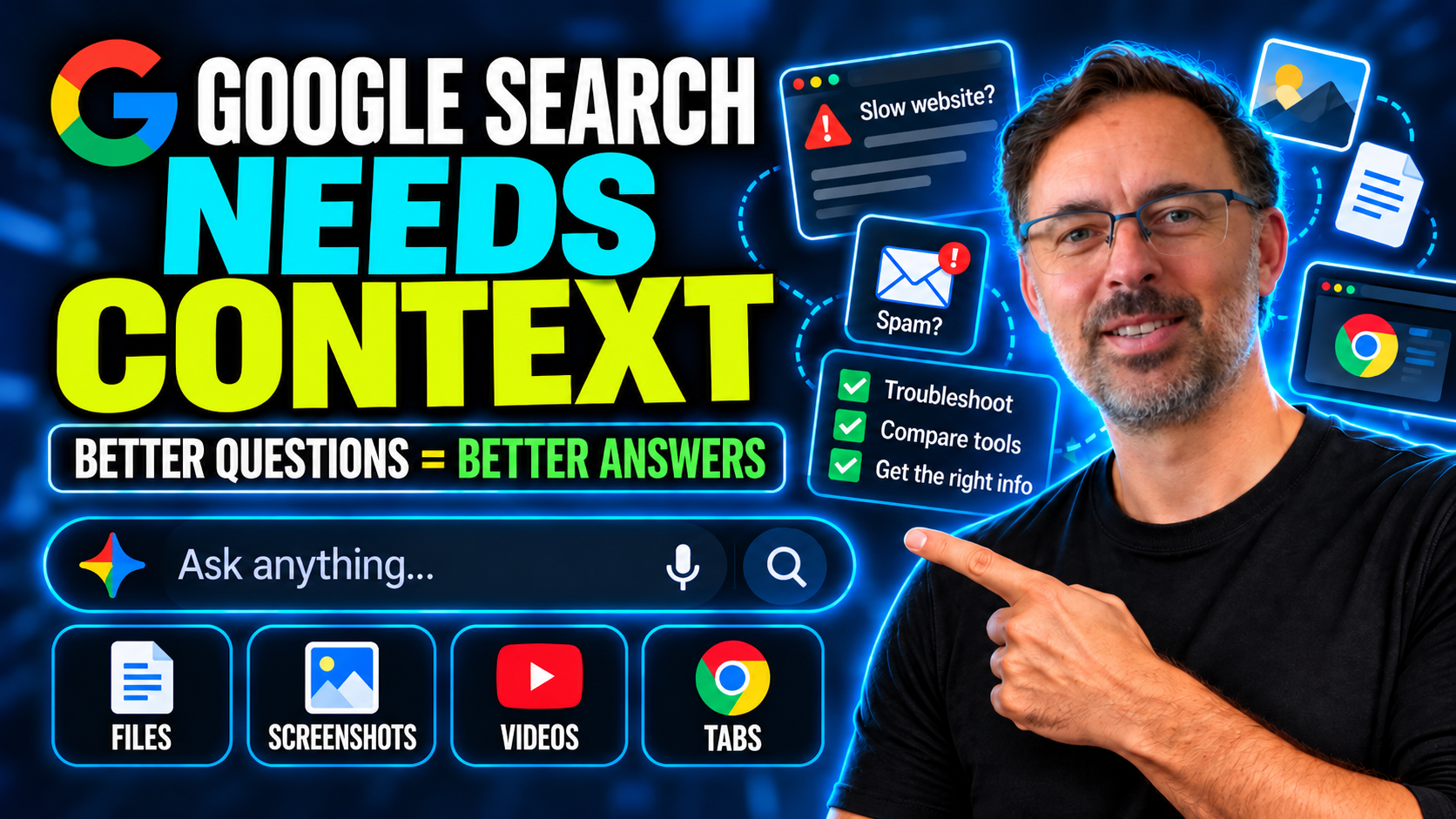
Google has changed Search again, and this one is worth paying attention to.
Not because there is another AI video in it. Everything has AI in it now. The important change is that Search is becoming less like a box for keywords and more like a place where you can bring a whole situation.
You can give it more detail. You can add screenshots, files, videos, and Chrome tabs. You can start in an AI Overview and continue into AI Mode without losing the thread of what you were asking about.
That matters for small businesses because you were never really short of answers. You were short of context.
When you typed “website slow” or “email going to spam” into the old version of Search, you usually got a generic answer. That is not Google being useless. That is what happens when you give it a symptom instead of the situation.
It is like calling a mechanic and saying, “Car broken.” They cannot give useful advice until they know what car it is, what noise it is making, when the problem started, whether you need to get home tonight, or whether the car is even worth fixing.
The context changes the answer.
The Problem Was Never a Lack of Information
Most small businesses are surrounded by information. Blog posts, YouTube videos, help articles, support forums, software comparison pages, AI answers, templates, and advice threads are everywhere.
The problem is not finding an answer.
The problem is finding the answer that fits your situation.
A slow WordPress site could be caused by poor hosting, too many plugins, a heavy theme, uncompressed images, no caching, broken code, tracking scripts, old PHP, or a developer making changes without testing properly.
An email deliverability problem could be caused by missing SPF, DKIM, or DMARC records. It could be your newsletter tool. It could be the receiving domain. It could be a domain reputation issue. It could be a single customer’s mail filter.
A software comparison is rarely just about the monthly price. It is about setup time, training, permissions, data ownership, support, integrations, cancellation, user access, and what happens when someone leaves the business.
Generic searches flatten all of that.
Better context brings the real problem back into view.
Stop Searching the Symptom
The weak way to search is to type the symptom.
“WordPress slow fix.”
“Email going to spam.”
“Best CRM for small business.”
“Best project management tool.”
“Website not getting leads.”
Those searches usually push you into a swamp of generic advice, hosting ads, plugin recommendations, software lists, and people cheerfully telling you to rebuild everything.
Sometimes the answer may be useful. Often, it is too broad to make a good decision.
A better approach is to describe the situation.
Instead of “WordPress slow fix,” try something like:
“My WordPress site is slow. We have a lot of plugins. The original developer is gone. Marketing thinks it is costing us enquiries. We would rather not rebuild unless we have to. What information is missing before you can give useful advice?”
That one change improves the whole conversation.
Now Search has enough context to ask about hosting, plugin count, theme, image sizes, caching, recent changes, backups, speed tests, and whether anyone has actually diagnosed the problem.
That is a very different place to start than “install this plugin.”
Ask What Is Missing First
The most useful question is often the one people skip:
“What information is missing from my question?”
That question forces the AI to show the gaps instead of pretending it has enough context.
This matters because AI can sound confident even when the question is weak. If you ask a vague question, you may get a tidy answer that feels useful but does not fit the business.
Asking what is missing changes the job. You are no longer asking Search to solve the whole problem instantly. You are asking it to help you understand what needs to be checked before a decision is made.
That makes the answer more practical.
It also makes you a better buyer. You can ask better questions of your developer, IT provider, web host, software vendor, or marketing team because you understand what evidence should exist before someone recommends a fix.
The Four Questions to Reuse
For most small business technology problems, you can reuse four questions.
First, ask what information is missing from your question.
Second, ask what should be checked first.
Third, ask what the trade-offs are.
Fourth, ask what the lowest-risk next step should be.
Those questions work because they slow you down just enough to avoid the wrong fix.
They move you away from “what should I buy?” and toward “what should I check before I buy anything?”
That is the difference between using AI as a shortcut and using AI as a diagnostic tool.
Example 1: Your WordPress Site Is Slow
A slow website is one of the easiest places to waste money.
The weak search is “WordPress slow fix.”
That can lead you straight into plugin recommendations, hosting ads, rebuild pitches, and technical advice that may or may not apply.
A better question is:
“My WordPress site is slow. It has a lot of plugins. The original developer is gone. Marketing says it may be costing us enquiries. We do not want to rebuild unless we have to. What information is missing before you can give useful advice?”
That should lead you toward a checklist.
Who hosts the site?
What theme is it using?
How many plugins are active?
Are the plugins still maintained?
Are the images compressed?
Is caching set up?
Has anyone run a speed test?
What changed recently?
Is there a clean backup?
Are there staging and rollback options?
Before anyone starts clicking around in WordPress, the backup question matters most.
A WordPress site without a current backup is not just a technical issue. It is a business risk. Troubleshooting without a backup is gambling with your website.
SixFive’s WordPress Care Plans are built around that kind of ongoing care: updates, maintenance, backups, and monitoring so the site is not being treated like a one-time project that nobody owns anymore.
Ask for Evidence Before Accepting a Rebuild
Sometimes a site really does need rebuilding.
But “the website is slow” is not enough evidence on its own.
Before agreeing to a rebuild, ask Search:
“What evidence should a developer be able to show before recommending a full WordPress rebuild?”
That changes the conversation with the developer.
You are not arguing about the quote. You are asking for the diagnosis behind it.
A proper recommendation should usually include evidence. Speed results. Hosting limitations. Plugin conflicts. Theme issues. Security concerns. Maintenance problems. Technical debt. Data about how the site performs and what is realistically fixable.
A rebuild may be the right answer. But it should be the answer after diagnosis, not the opening move.
If the wider site setup is already messy, SixFive’s WordPress Hosting and WordPress Care Plans can help put the site on a more stable foundation before the business wastes money patching symptoms.
Example 2: Your Email Is Going to Spam
Email problems are another area where businesses often search the symptom and jump to the wrong conclusion.
The weak search is:
“My email is going to spam.”
That can lead to generic advice or the assumption that you need to change email providers.
A better version is:
“Our business uses Google Workspace and Gmail. Some customers say our emails are landing in spam. We send normal client emails and a newsletter. We would rather not change providers unless we have to. What should we check first?”
Add the domain name if you can. Add the domain of the customer who is not receiving your emails if that is relevant. That gives the search more to work with.
In many cases, the answer is not “leave Google.”
It is usually about setup.
SPF, DKIM, and DMARC are horrible acronyms, but the idea is simple. When your email arrives, the receiving server wants to know three things: did this message really come from your domain, was the sender allowed to send it, and was the message changed along the way?
It is like a trust chain for email.
If that chain is missing or broken, honest emails can start looking suspicious.
SixFive’s Email Deliverability and Domain Reputation Management is designed for exactly this kind of problem: checking the setup before you make a bigger and more expensive change.
Split What You Can Do Yourself From What Needs IT
Once you describe the email problem properly, ask one more question:
“Split this into what I can check myself and what I should ask my IT provider to check.”
That is a useful question because not every task belongs with the owner.
You may be able to check whether customers are affected, whether the problem is happening with one domain or many, whether newsletters are involved, and whether anything changed recently.
Your IT provider may need to check DNS records, SPF, DKIM, DMARC, sending tools, authentication, domain reputation, and mail logs.
That split matters.
It stops the owner wasting time inside technical settings they do not understand, while still giving them enough knowledge to ask better questions.
Example 3: Comparing Software Tools
Software comparison is another place where AI Mode and better context can be useful.
The weak question is:
“Which CRM is better?”
Better for whom?
At what size?
With what team?
With what support?
With what data?
With what migration cost?
A better question is:
“Compare these two tools for a 10-person service business. Ignore the sales language. Look at setup time, admin effort, permissions, data ownership, support, cancellation, reporting, and what happens when someone leaves and we need to remove access.”
That is the comparison most small businesses actually need.
The monthly fee is only part of the cost. The real cost includes setup, training, onboarding, admin, permissions, integrations, data cleanup, and the mess you inherit when the team only half uses the tool.
The tool that looked cheap stops looking cheap when nobody knows where the real data lives and someone who left three months ago still has access.
SixFive’s Digital Roadmap can help with this kind of decision because it looks at the wider system, not just the software feature list.
Ask for Trade-Offs, Not Winners
“Which tool is best?” often creates a weak answer.
A better question is:
“What are the trade-offs between these tools for our situation?”
That framing is much more useful.
One tool may be cheaper but harder to administer. Another may be more expensive but easier to train the team on. One may have better reporting but weaker permissions. One may be great for sales but poor for delivery. One may be easy to start but hard to leave.
There is rarely a perfect tool.
There is usually a best fit for your current business, your team, your process, your risk, and your capacity to manage it.
The trade-off question is how you avoid buying software that looks good in a demo but becomes another half-used subscription six months later.
AI Search Is Better When You Give It the Whole Situation
The real shift in Google Search is not just that it has more AI features. The real shift is that it can hold more context.
That only helps if you give it context worth using.
If you ask a thin question, you will still get a thin answer.
If you give the situation, the constraints, the business impact, what you have already tried, what you do not want to change, and what outcome matters, the answer becomes more useful.
That is the skill small business owners need to build.
Not fancy prompting.
Clearer context.
Do Not Upload Sensitive Business Data Casually
There is a serious warning here.
Now that Search and AI tools can accept more context, people will get casual. They will upload screenshots, files, tabs, documents, and customer information because it is convenient.
Convenience is exactly where people drop their guard.
Do not paste passwords into AI Search. Do not upload private contracts unless you are sure the tool and account are appropriate. Do not upload customer records, staff information, bank details, confidential proposals, or sensitive internal documents casually.
More context can produce better answers, but not every piece of context belongs in an AI system.
If you are not sure how exposed your business is around access, passwords, devices, customer data, email security, and backups, start with the Small Business Cyber Profile.
Context Does Not Replace Judgment
AI Search can help you ask better questions, but it should not make decisions for you.
It can help you understand what to check, what evidence to ask for, what risks exist, and what the lowest-risk next step might be.
You still need judgment.
You still need to check the sources. You still need to understand whether the recommendation fits your business. You still need to know when to involve a developer, IT provider, lawyer, accountant, or specialist.
The value of AI Search is not that it gives you the final answer every time.
The value is that it helps you avoid starting from the wrong question.
Turn the Answer Into a Checklist
For small business problems, the output you want is often not a long explanation.
It is a checklist.
If your site is slow, turn the answer into a diagnostic checklist.
If email is going to spam, turn the answer into a setup checklist.
If you are comparing tools, turn the answer into a decision checklist.
If access is messy, turn the answer into an audit checklist.
If you want to automate something, turn the answer into a workflow checklist.
A checklist is useful because it gives you something to do next. It also helps you have clearer conversations with suppliers. You can ask what has been checked, what evidence exists, what risk remains, and what should happen before money is spent.
That is much better than buying another tool because the first answer sounded convincing.
Search Before You Spend
The biggest practical change is this:
Use AI Search before you buy.
Before you buy a plugin, ask what to check first.
Before you change email providers, ask what setup problems could be causing the issue.
Before you buy a CRM, ask what admin and data ownership issues you should compare.
Before you automate a process, ask whether the process is clear enough to automate.
Before you hire someone to rebuild a website, ask what evidence should support that recommendation.
This is not about making Google your technology strategy. It is about improving the quality of the questions before you spend money.
Better questions lead to better decisions.
The Bottom Line
Google Search can hold more context now, but you still have to give it the right context.
If you feed it a symptom, you will get a tidy answer to a weak question. If you feed it the situation, you are more likely to get better questions, better checklists, and better conversations with your suppliers.
That matters for small businesses because most technology problems are not isolated. A slow website, spam problem, tool comparison, missed enquiry, or messy access issue usually connects back to the wider business system.
Do not start with “what should I buy?”
Start with “what do we need to check?”
What to Do Next
This week, pick one messy issue in your business.
It might be a slow website, emails going to spam, enquiries that never arrive, a pile of tools nobody fully uses, or staff access nobody has audited.
Do not search the symptom.
Give AI Search the whole situation. Tell it what is happening, what tools you use, what you have already tried, what you want to avoid, and what outcome matters. Then ask:
“What information is missing?”
“What should we check first?”
“What are the trade-offs?”
“What is the lowest-risk next step?”
Turn the answer into a checklist before buying another tool or trying to automate the wrong thing.
If you want to use AI properly but do not know where to start, take the AI Readiness Audit. It helps you check whether your systems, documentation, information, and rules are ready for AI to support the business safely.
You can also review SixFive’s Digital Roadmap if your business needs a clearer view of its tools, workflows, gaps, and what to fix first.
For more practical guides, templates, and resources, visit SixFive Resources.
Is Your Business AI-Ready?
Take our free 5-minute AI Readiness Audit. Score your business across 10 key areas and get a personalised action plan — before your competitors get there first.
Take the Free Audit