
You have hired a team, built a customer base, and worked hard to get your business where it is today.
But every time someone gets locked out of an account, cannot find a document, or needs access to software, the problem comes straight back to you.
You might have employees handling the day-to-day work, but you are still the person keeping the technology running.
That becomes exhausting as the business grows.
And it is often a sign that your systems have not grown with you.
At SixFive, we regularly review how small businesses manage their technology. One thing becomes clear very quickly: a business can have great products, capable employees, and steady revenue while still being completely dependent on its founder.
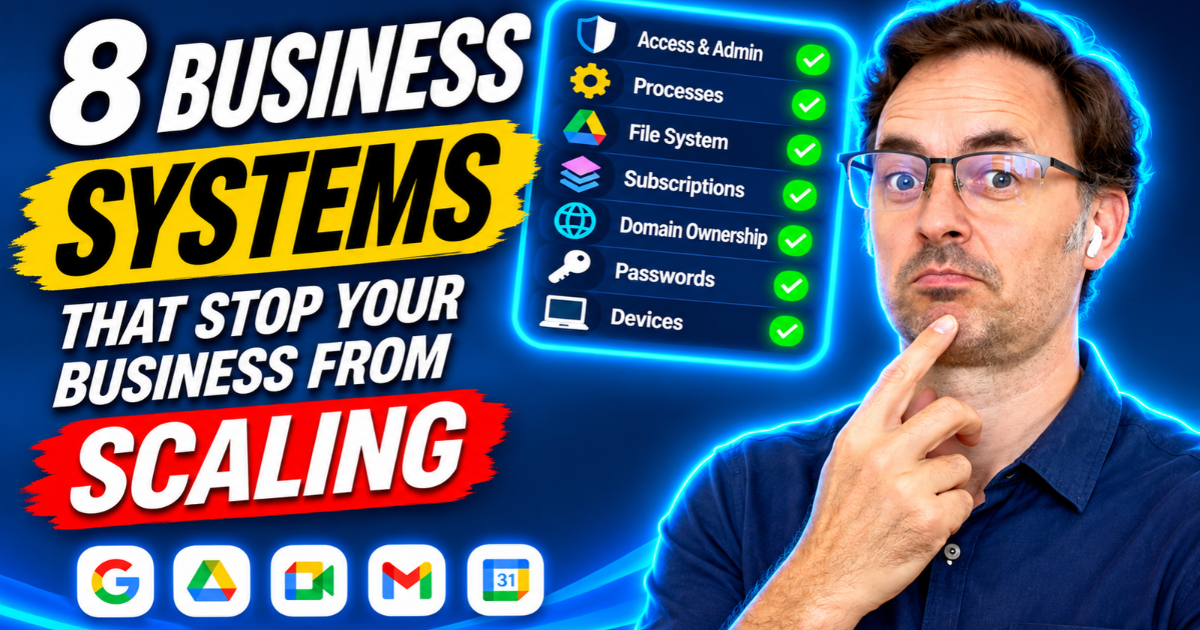
Here are eight common technology problems worth checking before they become bigger obstacles.
1. You’re Still Managing Every Google Workspace Account
Who does your team contact when someone forgets a password or needs access to a shared document?
If the answer is always you, your business has an unnecessary dependency.
Many founders set up Google Workspace themselves when the company is small. They create the accounts, manage permissions, and become the main administrator.
That works when there are only one or two people.
But as the team grows, those responsibilities start interrupting your day.
What to do: Assign day-to-day Google Workspace administration to a trusted, trained person or managed IT provider. Keep secure emergency administrator access under business control, but make sure routine requests do not depend on you.
Your employees should know who to contact without having to wait for the founder.
2. You Keep Buying Software Instead of Fixing the Process
A task takes too long, so someone suggests an automation tool.
Customer follow-ups are inconsistent, so you purchase another CRM feature.
Your team struggles with project management, so you introduce another application.
Sometimes new software is necessary. But adding technology to a poorly organised process can make the problem worse.
You end up with more subscriptions, more logins, and another system that someone needs to maintain.
What to do: Before introducing automation, write down how the task should work.
Identify who is responsible, what information is needed, and what the expected result should be.
Once the process is clear, decide whether your existing tools can handle it.
If you need help documenting your workflows, SixFive’s SOP Notion Template is a useful starting point.
3. Former Employees Still Have Access to Your Business
When someone leaves your company, what happens to their accounts?
Do you immediately remove access to Google Workspace, your CRM, website, project management tools, and shared files?
Or do you assume someone else has taken care of it?
We have seen businesses discover that former contractors still had access to company documents months after their work ended.
It is not always deliberate. Often, nobody was assigned responsibility for removing access.
But an old account with permission to edit or delete files is still a security risk.
What to do: Create an employee offboarding checklist.
Include account suspension, access removal, password or credential changes where necessary, device returns, and transferring ownership of important work.
Make one person responsible for confirming that every step is completed.
4. Important Business Files Are Stored in Personal Google Drives
Imagine your operations manager has been organising customer documents inside their personal My Drive for three years.
Everything works until they leave.
Suddenly, the team discovers that important files are tied to an individual’s account rather than a properly managed company location.
Even if the files can be recovered or transferred, it creates unnecessary disruption.
Google Workspace Shared Drives are designed to help organisations maintain control of shared files independently of individual employees.
What to do: Move appropriate company-owned documents into properly configured Shared Drives.
Set access according to job responsibilities, and make sure more than one authorised person can manage important business folders.
Your company should not depend on one employee’s personal file storage to access its own work.
5. You’re Paying for Software Nobody Uses
Technology expenses often grow quietly.
You subscribe to one platform, then another. A contractor recommends a new application. Someone upgrades a plan, and an old subscription keeps renewing.
Before long, your business is paying for several tools with overlapping features.
The problem is not only the wasted money.
More applications mean more accounts, more permissions, more renewals, and more opportunities for something to go wrong.
What to do: Review your software subscriptions every quarter.
Check which tools employees actively use, what each one costs, and whether another existing platform already provides the same functionality.
Consolidate where it makes sense, but check integrations and stored data before cancelling anything.
The goal is to make your technology easier to manage, not simply cheaper.
6. Your Business Doesn’t Control Its Own Domain Name
Your domain name is one of your most important digital assets.
It connects customers to your website and often supports your business email.
Yet some businesses discover that their domain was registered years ago using a developer’s personal email address or a former employee’s account.
If that person becomes unavailable, renewing the domain or changing its settings can become difficult.
In the worst cases, losing control of a domain can interrupt your website and email services.
What to do: Check who the domain registrar is, which account controls the registration, and who can access its DNS settings.
Make sure the domain is registered and managed through business-controlled contact details, with appropriate access for trusted administrators.
Also check that automatic renewal and recovery information are current.
You should be able to manage your domain without relying on someone who no longer works with your business.
7. Your Team Shares Passwords
Sharing passwords may feel convenient when your business is small.
Someone creates an account, writes the password in a spreadsheet, and sends it to the rest of the team.
But shared credentials make it difficult to know who accessed a system or changed something.
They also create problems when employees leave.
What to do: Use a business password manager such as Bitwarden or 1Password.
Give employees individual accounts wherever the software supports them, enable multi-factor authentication, and provide access only to the credentials they need.
When someone leaves, you should be able to remove their access without disrupting everyone else.
A password manager also helps your team avoid reusing the same password across multiple services.
8. Nobody Is Managing Employee Devices
Your employees may use laptops to access customer information, business emails, financial records, and shared files.
But what happens if one of those devices is lost or stolen?
If it has no screen lock, encryption, or management controls, your business may have difficulty protecting the information stored on it.
The same concern applies when employees leave without returning company devices or removing business accounts from personal equipment.
What to do: Establish basic device security requirements.
Use strong authentication, automatic screen locking, device encryption, regular updates, and appropriate device management.
Where supported, configure the ability to revoke business access or remotely wipe managed business data.
Keep an inventory of company devices and assign responsibility for reviewing them.
These controls can reduce the impact of a lost laptop and make employee offboarding easier.
The Real Problem Is Not Your Technology Budget
None of these improvements necessarily requires a major technology investment.
Most involve decisions that someone in the business needs to own.
Who manages access? Who checks subscriptions? Who handles employee offboarding? Who makes sure your domain renews? Who is responsible for business devices?
When those responsibilities are unclear, the founder often becomes the default person for everything.
That might work when you are starting out, but it becomes harder to maintain as your business grows.
A well-managed technology setup allows employees to solve routine problems without waiting for you.
It also makes the business more secure, easier to manage, and less dependent on any one person.
Can Your Business Run Without You for a Week?
Here is a useful test.
Imagine you take a week off and cannot answer calls or emails.
Would your team still be able to access the documents they need? Could they onboard a new employee? Would someone know how to manage an account issue or contact the right support provider?
If those activities depend on you, your business may need clearer systems and responsibilities before it grows further.
You do not need to fix everything at once.
Start with the issue that creates the most interruptions or presents the greatest risk, assign someone to own it, and document the process.
Then move on to the next.
The Bottom Line
Business growth is not just about hiring more people or winning more customers.
It is also about building a company that can operate reliably without the founder being involved in every decision.
Your Google Workspace, business files, software accounts, domain, passwords, and devices all contribute to that.
When those systems are organised and properly managed, your team can work more independently, and you can spend more time focusing on the business itself.
What to Do Next
Start by checking who has administrator access to your Google Workspace account and who owns your most important business systems.
Then review your employee offboarding process, shared files, software subscriptions, and domain registration.
For practical guides and templates, visit SixFive Resources.
If you want to identify security weaknesses, complete our Small Business Cyber Profile.
And if you are ready to make your technology easier to manage, explore SixFive’s Digital Roadmap to identify what needs fixing and where to start.
Your business should be able to grow without every technology problem becoming your problem.
How Secure Is Your Business?
Take our free 5-minute Cyber Risk Profile and find out where your business stands on access control, device protection, and compliance.
Take the Free Assessment →