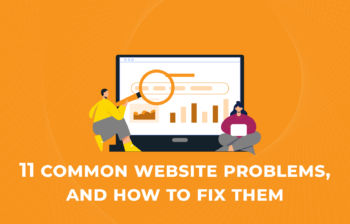
11 of the most common issues with websites, that may be causing your visitors to leave you prematurely.
Read more

11 of the most common issues with websites, that may be causing your visitors to leave you prematurely.
In this video, I will show you How to Set Up a Gmail Alias and send email as an alias that you own. For example you may want to email customers via a group address so that when they respond everyone in the group sees the response, this would be sales@ or techsupport@yourdomain.com You will […]
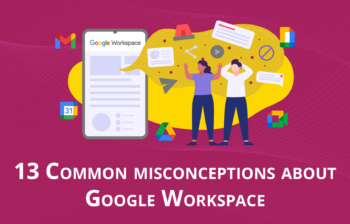
Is Google Workspace a myth? Is Microsoft the only way complete platform for business? Here are 12 common misconceptions about Google Workspace.
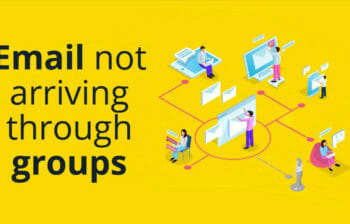
Groups also allow you to have multiple users in a Collaborative Inbox where they can manage and work on emails together with accountability and visibility in play

Business reviews are essential to your marketing plan and provide two significant benefits when done with Google My Business
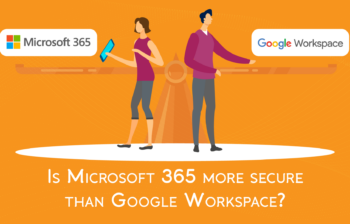
Is Microsoft 365 more secure than Google Workspace? We put the two big titans to the test, and review their security model plus look at published data breaches.

GoDaddy Data Breach of 1.2M customer records and security details – what do you need to know as a customer?


60% of Australian knowledge workers are now searching fir a new role. What can you do to keep your team?
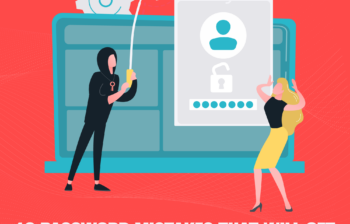
Creating passwords is something so straightforward but so important that we can get complacent and lazy about it – here are 10 password mistakes that affect your security.
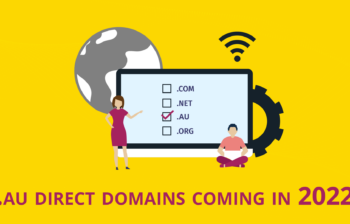
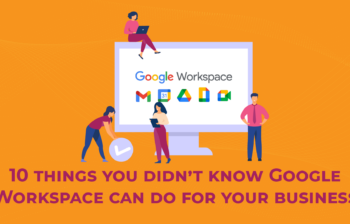
Thinking about upping your business productivity game? Either you are in Google Workspace or considering it, these 10 things you didn’t know Google Workspace can do for your business will help!
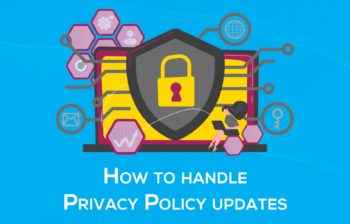
The truth is that Privacy Policies are changing at an increasingly fast pace and, if you are not keeping up with that pace, you could be putting your business at risk of privacy-related fines and lawsuits