



A lot of small businesses think a new team member is set up properly because they can log in, send an email, open Drive, join a Meet call, and create a document. On the surface, that looks productive enough. The person can work, the manager can move on, and everyone assumes the basics are sorted.
Then the small problems start showing up. A client asks for the latest version of a file, but one copy is in someone’s My Drive, another was emailed as an attachment, and a third version is sitting on someone’s desktop. Someone updates the wrong document because they are logged into the wrong Google account. A meeting gets booked without the Meet link, and another person still cannot find the shared file because nobody explained how Drive is supposed to work.
None of that looks like a major IT disaster. It just looks like a normal day in a small business. That is exactly the problem.
The Tools Are There, but the Habits Are Missing
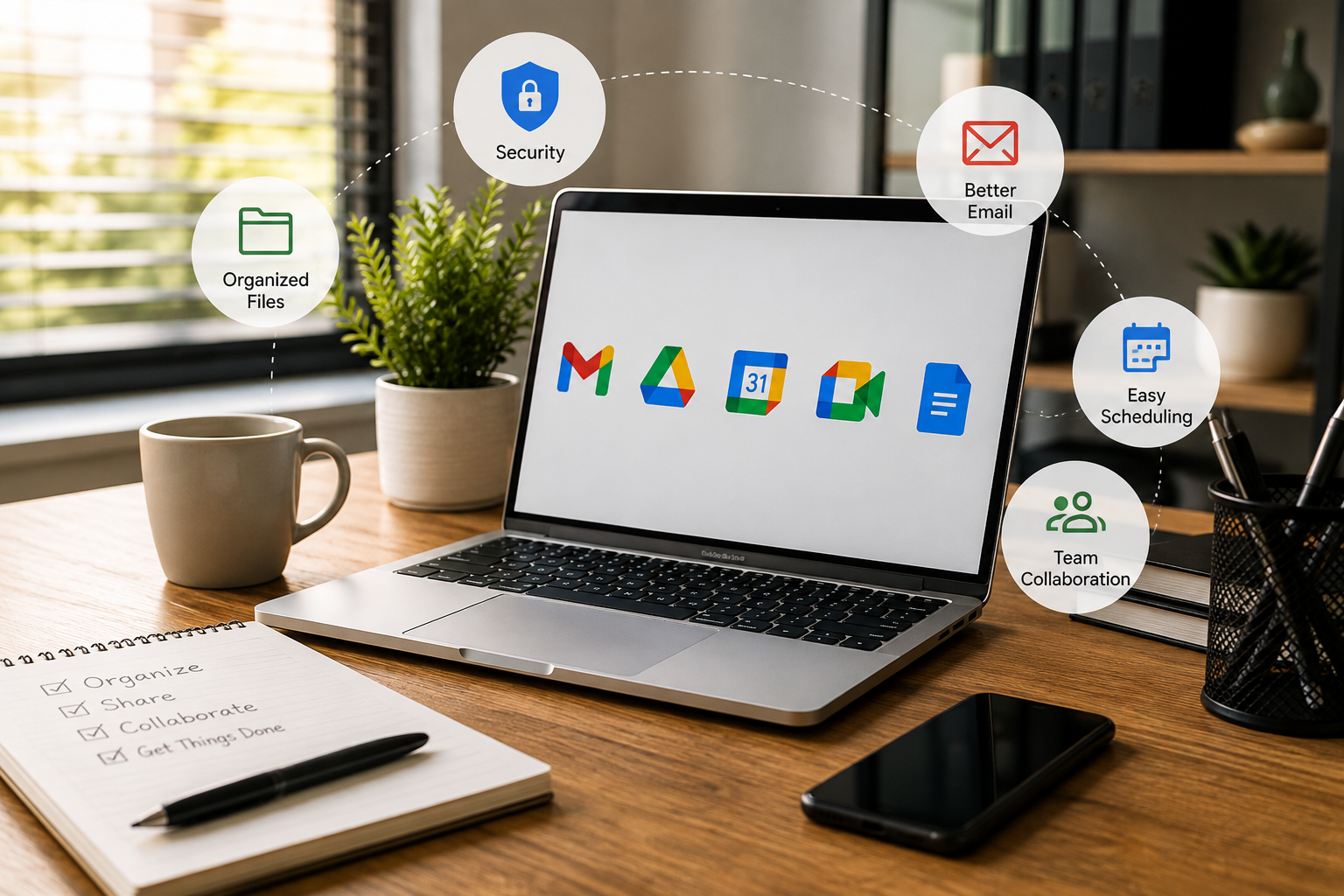
Google Workspace gives small businesses a strong set of tools. You have Gmail, Drive, Docs, Calendar, Meet, Chat, Forms, Sheets, and more sitting in one ecosystem. That should make work easier, but only if the team understands how the tools are meant to be used together.
The issue we see a lot is not that the business has chosen the wrong platform. The issue is that the business is paying for the platform, but the team has never been shown how to use the basics in a consistent way.
So people make it up as they go along. One person saves everything in My Drive. Another emails attachments instead of sharing links. Another creates duplicate folders because they cannot find the original. Someone else uses a personal Google account because it was already logged in on their browser.
That might work while the business is tiny and everyone is sitting close enough to shout across the room. It does not scale once the team grows, people work remotely, clients need access to files, and more people rely on the same information.
Google Workspace 101 Is About the Foundation
Google Workspace 101 is not about turning every employee into a Google expert. That is not the point. Most small business employees do not need to know every advanced setting, admin feature, or shortcut hidden inside the platform.
They need to understand the parts they use every day.
That means signing in properly, securing their account, navigating between apps, managing Gmail, using Drive correctly, sharing files the right way, booking meetings properly, using Meet links, setting work hours, and accessing tools from their phone without creating a security mess.
Those are basic things, but basic does not mean unimportant. In fact, the basics are usually where small businesses lose the most time because everyone assumes someone else already explained them.
Account Setup Is Not Just a Login
The first part of using Google Workspace properly is getting the account set up correctly. That sounds painfully simple, but it matters more than people think.
A Google Workspace account is not just an email address. It is the doorway into company files, client conversations, calendars, documents, meetings, internal notes, and shared knowledge. If that account is not secured properly, the business is taking a risk from day one.
New team members need to understand how to sign in, how to move between Google apps, how to use the correct work account, and how to secure that account. They also need to understand the difference between a personal Google account and a business Google Workspace account.
This is where a lot of confusion starts. If someone is logged into the wrong Google profile, they may create files in the wrong place, request access with the wrong account, or accidentally store work in a personal environment. That is not a Google problem. That is an onboarding and training problem.
Security Needs to Be Part of Everyday Use
Security should not be treated as something only the admin person cares about. Every user affects the security of the business because every account is a possible doorway into company information.
That does not mean every employee needs a long technical lecture. It means they need simple, practical habits. Use the correct work account. Protect the login. Do not share passwords. Be careful with access requests. Understand that Drive files, emails, and calendars are business information, not random personal clutter.
The point is not to scare people. The point is to make security part of normal work instead of something everyone ignores until there is a problem.
Small businesses are especially vulnerable here because access often grows informally. A new person joins, someone shares files, someone forwards a document, someone adds access to a folder, and nobody reviews it later. Training people properly at the start helps prevent that slow mess from building up.
Gmail Is More Than Sending and Receiving Email
Most people can send and receive email. That is not the same as managing Gmail properly in a business.
A messy inbox makes the workday feel messier. Important messages get buried, contacts are harder to find, signatures look inconsistent, and people waste time searching for things they should be able to access quickly.
Basic Gmail training should cover how the interface works, how to configure the inbox in a way that supports real work, how to use search properly, how to manage contacts, and how to set up a consistent email signature.
None of that is flashy. It is not the sort of thing people brag about on LinkedIn. It is just the practical setup that helps email feel less painful every day.
A good email setup also makes the business look more professional. If everyone’s signature looks different, contact details are missing, or staff are replying from the wrong account, it quietly affects how the business is perceived.
Google Drive Is Where Small Businesses Lose Control
Google Drive should be where the team can find, share, and work on files together. Used properly, it reduces duplicated work, stops people emailing attachments back and forth, and gives the team one place to access the latest version.
Used badly, it becomes a digital junk drawer.
Files get saved in the wrong place. Folders multiply. People create duplicates because they cannot find the original. Someone emails an attachment instead of sharing a link. A team member leaves, and important documents are stuck in a personal folder nobody else can access.
That is not usually a Google Drive problem. It is a setup and training problem.
The team needs to understand where files should go, how folders are organised, when to use Drive instead of attachments, how to edit files inside Drive, and how to share documents properly. Those are not advanced skills. They are the everyday habits that stop small businesses from wasting time.
Stop Emailing Attachments When a Shared File Will Do
One of the simplest but most useful habits is learning when to share a Drive link instead of sending an attachment.
Attachments create versions. Someone downloads the file, edits it, sends it back, and now there are two versions. Someone else edits a different copy, and now the team has a third version. Then a client asks for the latest document, and nobody is completely sure which file is correct.
A shared Drive file gives everyone one place to work from. The team can comment, edit, review version history, and keep the source document in the right folder.
That one habit can save a surprising amount of time. It also helps reduce mistakes because people are not passing files around like it is 2006.
Calendar and Meet Need Shared Habits Too
Calendar and Meet seem simple until the team gets busy. Then the gaps show up.
Meetings get booked without links. Work schedules are not visible. Out-of-office settings are not used properly. Someone sends an invite from the wrong calendar. People are late because they cannot find the call details. A client gets a messy invite and the business looks less organised than it should.
Again, none of this is complicated. It just needs to be taught.
A team should know how to create calendar events properly, attach Meet links, set working hours, use out-of-office settings, invite the right people, and understand what a good meeting invite looks like. These are small habits, but they make the business easier to work with.
When Calendar and Meet are used properly, the team spends less time chasing details and more time doing the actual work.
Mobile Access Should Be Set Up Properly
A lot of small business work now happens on phones. People check email, join calls, review files, respond to messages, and access calendars while they are away from their desk.
That can be useful, but only when mobile access is set up properly.
If someone adds the wrong account to their phone, mixes personal and work files, or uses insecure access habits, the business creates unnecessary risk. Mobile access should help the team work flexibly, not create another place where information gets lost or exposed.
This is why basic training should include phone setup. Not because everyone needs to work from their phone all day, but because many people will use it at some point. It is better to set it up properly once than leave everyone to guess.
Consistency Saves More Time Than People Think
The real value of Google Workspace 101 is consistency. Everyone learns the same basic way of working, which means the business stops relying on each person inventing their own system.
Everyone knows where files should go. Everyone understands how Drive, Gmail, Calendar, and Meet fit together. Everyone has a better idea of how to use the tools without constantly asking someone else.
That matters because inconsistency is expensive. It creates rework, duplicated files, missed meetings, messy inboxes, unclear ownership, and little interruptions all day long.
A small business does not need to become more technical. It just needs the team to work from the same foundation.
Training New Employees Should Not Be Random
When a new employee starts, their Google Workspace onboarding should not be a two-minute login handover and a vague instruction to “just use Drive.”
That is how bad habits start.
A proper onboarding process should show them how the business uses Workspace. Not just how Google works in general, but how this business names files, stores documents, shares client work, books meetings, handles email, uses signatures, protects accounts, and accesses information.
This matters because new employees copy what they see. If the system is messy, they add to the mess. If the system is clear, they are more likely to follow it.
Google Workspace 101 gives the foundation, but the business should also define its own rules around folders, sharing, naming, permissions, and file ownership. The platform gives you the tools. The business still needs to decide how those tools should be used.
The Basics Are Not Beneath Anyone
There is a strange thing that happens with workplace tools. People assume they know them because they have used them before.
That assumption is expensive.
Someone may have used Gmail for years and still not know how to manage contacts, search properly, use labels well, or set up a professional signature. Someone may have used Drive for years and still not understand file ownership, sharing settings, version control, or the difference between My Drive and shared team structures.
This is why basic training is not insulting. It is practical. The point is not to make anyone feel like a beginner. The point is to remove the guessing.
The businesses that run better are not always using more advanced tools. They are often just better at using the ordinary tools properly.
What Small Business Owners Should Look For
If you are not sure whether your team needs Google Workspace 101, look for the small signs.
Are people still asking where files are? Are documents being emailed as attachments when they should be shared as links? Are staff using personal Google accounts for work? Are signatures inconsistent? Are meetings missing Meet links? Are files being stored in My Drive when they should be accessible to the team?
These are not massive IT disasters, but they are signals that the foundation is weak.
The cost is usually hidden because each problem only wastes a few minutes. But a few minutes across multiple people, every day, adds up quickly. It also makes the business feel more chaotic than it needs to.
The Bottom Line
Google Workspace only helps when the team knows how to use it properly. Paying for the tools is not the same as building the habits.
If your employees are guessing where to save files, how to share documents, which account to use, how to book meetings, or how to manage email, the business is losing time in small avoidable ways.
Google Workspace 101 is designed to fix that foundation. It gives everyday employees the basics they need across account setup, security, Gmail, Drive, Calendar, Meet, mobile access, file organisation, and the habits that make Workspace easier to use.
This is not about becoming a Google expert. It is about getting the team working the same way.
What to Do Next
If your team is already using Google Workspace but still confused by the basics, start with the free Google Workspace 101 course. It gives your team the foundation they should have had from the start and helps stop small mistakes from becoming everyday friction.
You can also review SixFive’s Google Workspace services if the issue is bigger than training and you need help with setup, permissions, shared drives, security, or account structure.
Quit Googling your way through the basics. Get the foundation right once, get the team working the same way, and Google Workspace becomes a lot less painful.
Are You Using Google Workspace to Its Fullest?
Most businesses use under 30% of Google Workspace’s potential. Are you overpaying? Take our assessment to extract more value and savings from the subscription you already have.
Take the free Google Workspace Value Quiz