Google Workspace For Business

Collaborate on any device, anywhere backed by Expert Support

Monthly Price
Annual Price

All plans include

  • Email by Gmail
  • Storage on Google Drive
  • Expert support team
  • Sync across every device
  • Easy meetings with Meet
  • No extra software to install or pay for
  • Up to 300 Users (Enterprise for more)
photo
Business Starter

Suitable for startups, and tiny teams
$93.00/year
$216.00 one time setup
Get Started
  • STORAGE
    30GB/User
  • OFFLINE
    Offline editing
  • MEET
    100 people
  • HELP
    Chat & Tickets
photo
Business Standard

Recommended for most businesses
$177.00/year
$216.00 one time setup
Get Started
  • STORAGE
    2TB/User (5+ Users)
  • GEMINI AI
    Full + Integrated Access
  • SHARED DRIVES
    Shared storage for teams
  • MEET
    150 people
  • RECORD
    Meetings to Drive
  • SEARCH
    Everything at once

Get Gmail for business

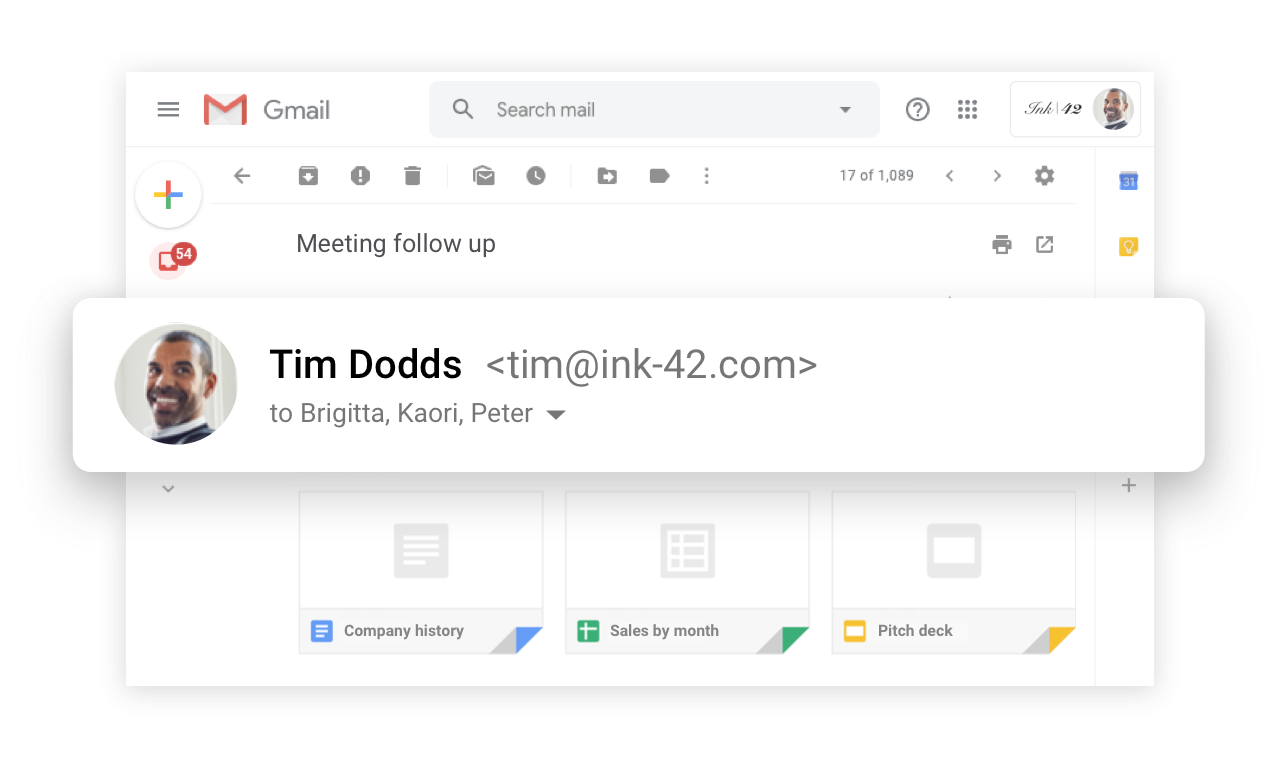
It’s Gmail but designed for business, with admin controls and no ads. Swap @gmail.com with your own domain to create professional email addresses like yourname@example.com or sales@example.com.

Meet safely from anywhere

Keep your team connected with premium video conferencing built on Google’s robust and secure global infrastructure. Meet is included with all editions of Google Workspace.

Consistent, error free writing

Streamline business email and document creation with AI-powered writing assistance. Gemini eliminates tedious writing tasks in Docs and Gmail, saving your team valuable time in ideation and drafting.

Generate high-quality business emails and documents in seconds with Gemini.

Visualise your content

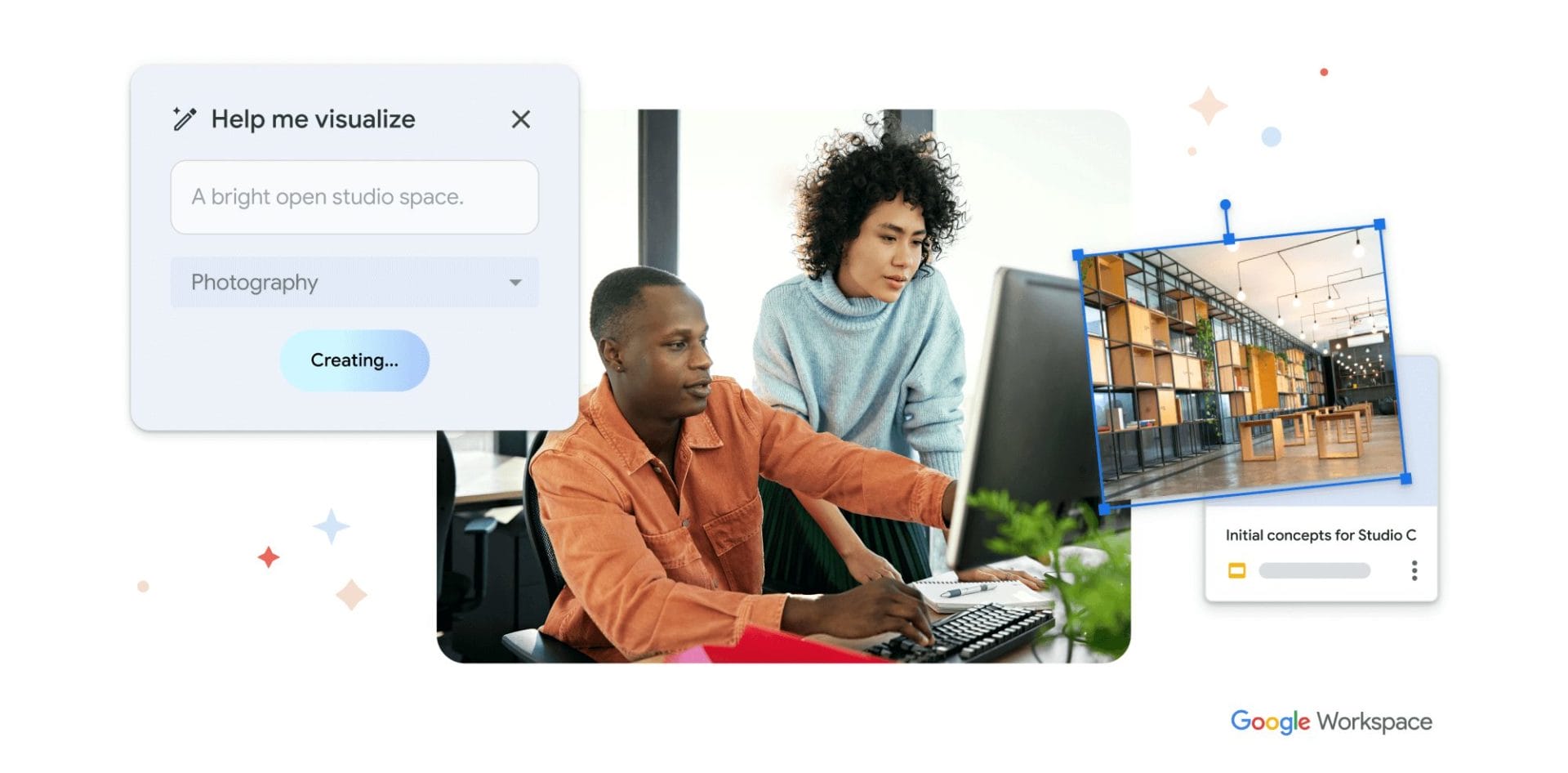
Use Gemini to generate images for social media, articles and presentations. In Google Slides to create custom images. Enter a prompt to describe the image you want.

Gemini will generate options that you can add to your content.

Work Faster, Work Smarter

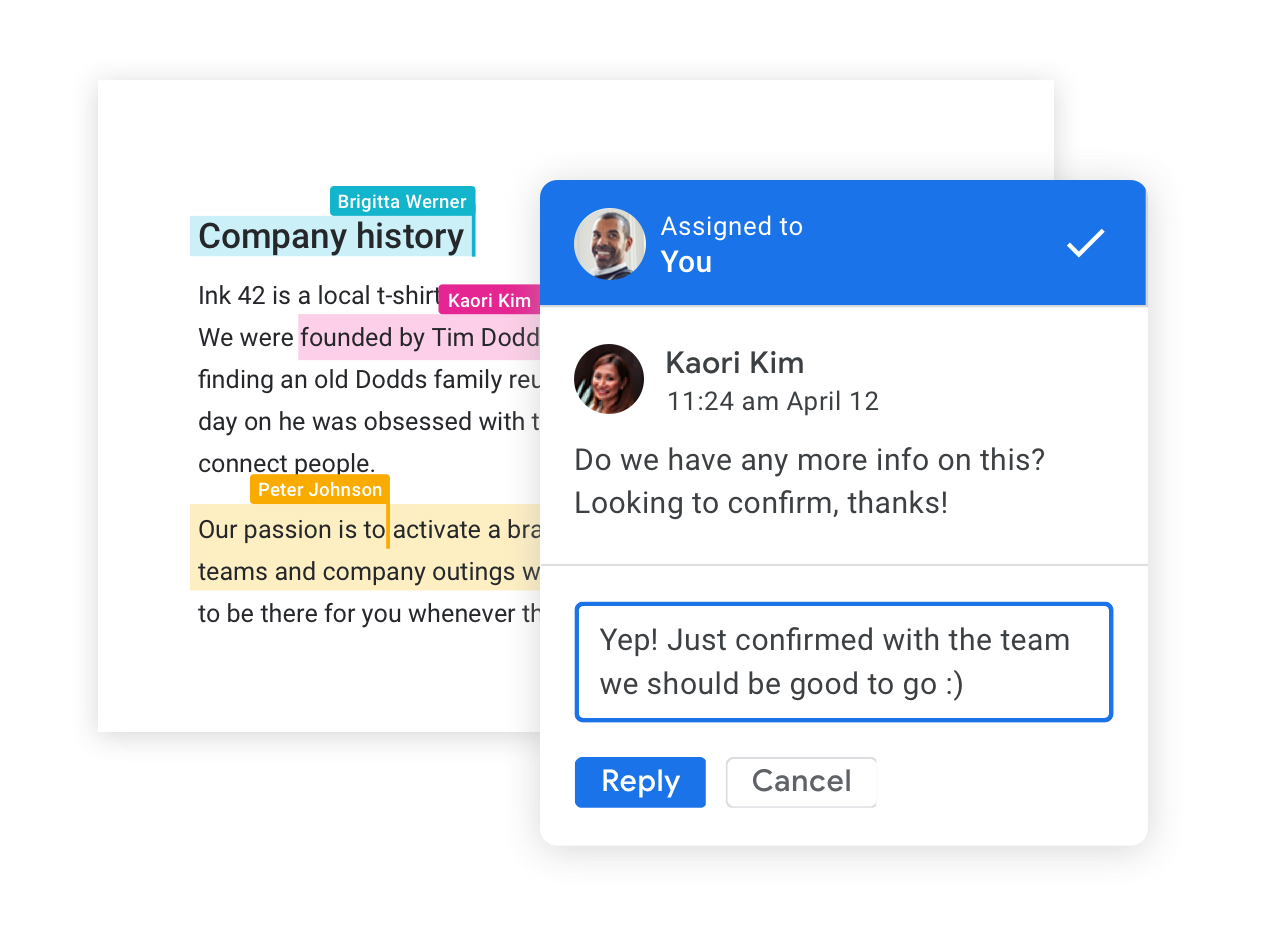
Collaborate on files in real time, quickly find space on everybody’s calendar, and take meetings from anywhere. Google Workspace has the tools to boost your productivity.

Security built-in

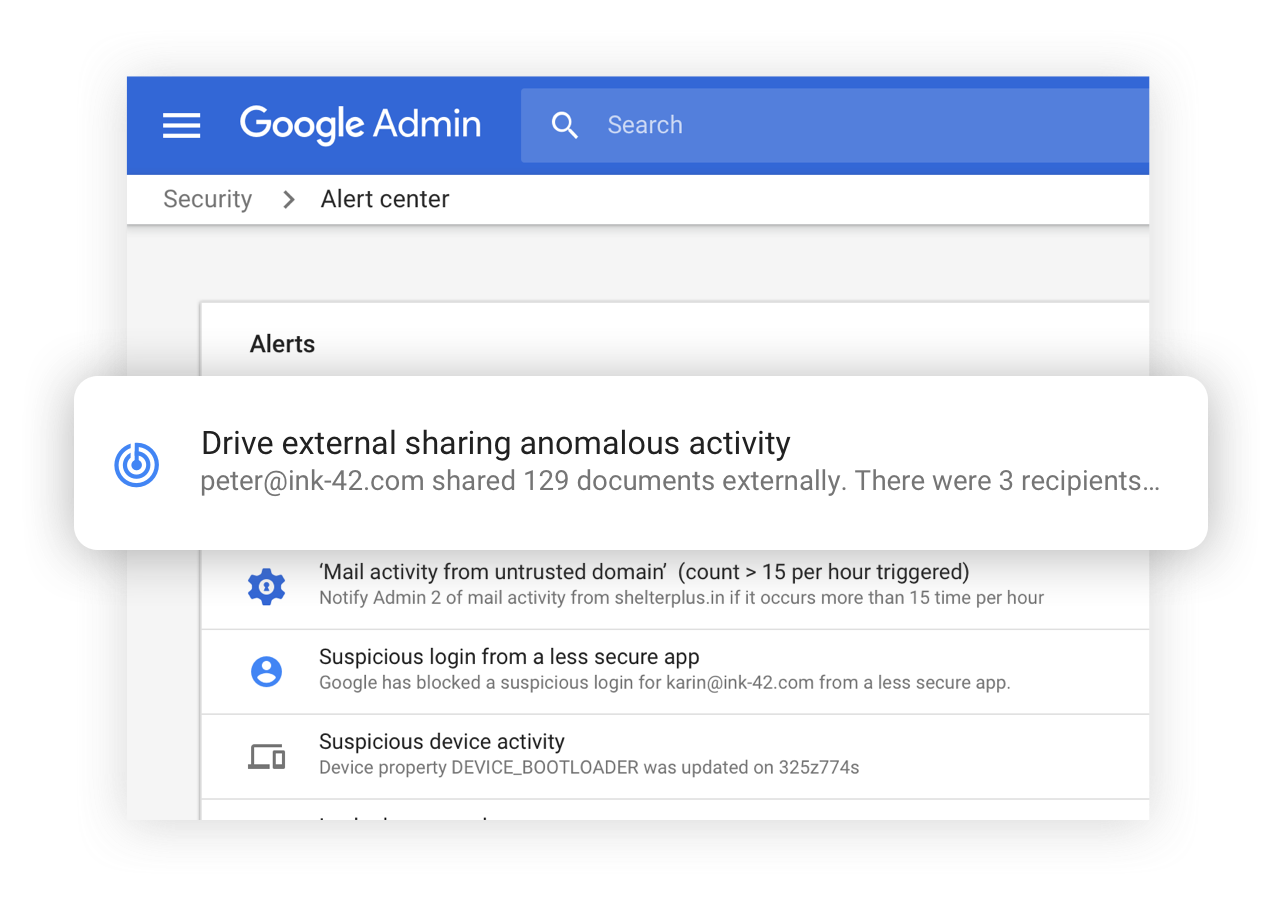
Take advantage of the same secure infrastructure Google uses. Your data, devices and users are protected and all your files are automatically backed up in the cloud. With Google Workspace, you’re in control.

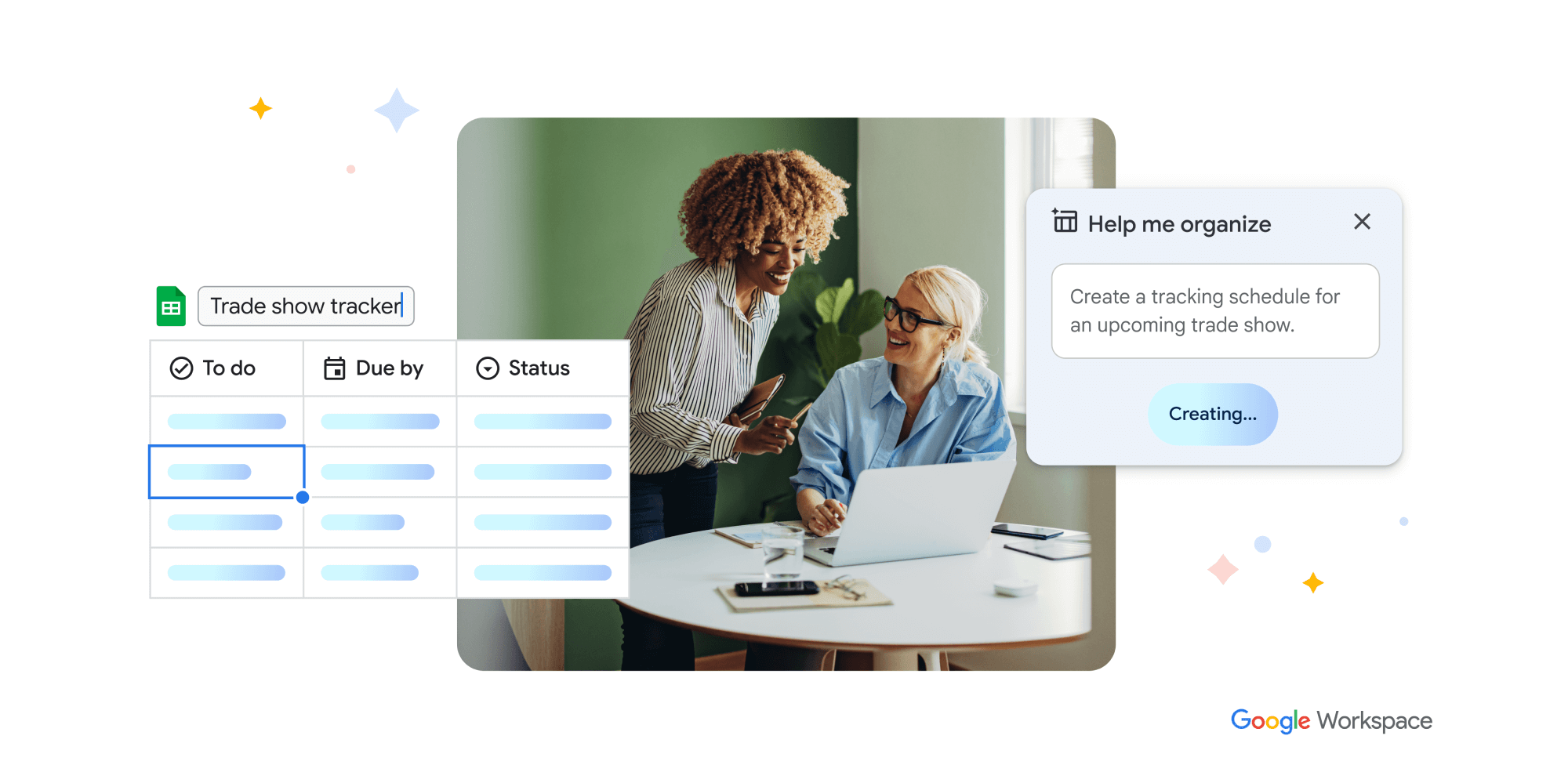
Get Organised

Gemini in Google Sheets can be used to manage tasks and events, like creating an agenda for a conference or keeping track of tasks. Type a prompt that explains the information you wish to arrange and Gemini will create a sheet, complete with placeholder data, to your spreadsheet.

Productive AI powered meetings

Ask Gemini to create an illustration of a magical forest for your next meeting background, use studio look, lighting and sound to fixing issues caused by low light or low-quality webcams, less than ideal lighting conditions and audio issues. Have your meeting translated using live captions to remove language proficiency barriers and make Meet video calls more inclusive and collaborative.

Why use Sixfive as your Google Workspace Partner

As a Certified Google Cloud Partner we are your technology partner – helping to ensure that your business is always online, productive, and that you have access to friendly, expert support when you need it.

Premium
photo
Support
As a Google Cloud Partner we provide you with access to qualified Google Cloud Collaboration Engineers when you need it by email or phone. No more time wasted looking in Google for an answer – you’ll get an result in no time!
photo
Migration
We can migrate your content from another platform – email, contacts, calendars and documents from storage platforms OneDrive, DropBox and others, and email from POP/IMAP and Microsoft Exchange.
Savings
photo
Consolidate and Simplify
Unlock unlimited storage and business specific collaboration features with Google Workspace Business Standard while saving up to 74% by removing duplicate subscriptions for platforms like Zoom and Dropbox, or anti-spam software like Barracuda.

Case Studies

Read about how our client's get positive impact from implementing Google Workspace in their business.

Compare Business Plans
Business Starter
$93.00/year
$7.75/month
30Gb for Business Email, Storage and Collaboration
Get Started
Business Standard
$177.00/year
$14.75/month
2TB with shared drives built for teams and supercharged discovery
Get Started
Business Plus
$273.00/year
$22.75/month
Advanced security controls, mobile management, eDiscovery & information governance
Get Started

Drive: Cloud Storage

30Gb2TB + Shared Drives5TB + Shared Drives

Gmail: Business email with Gemini AI

Gemini AI

Larger Context Window (memory) + Latest Models + More requests
Replaces: ChatGPT
Larger Context Window (memory) + Latest Models + More requests
Replaces: ChatGPT

Notebook LM

Plus Plus

Meet: Video and voice conferencing

100 people 150 people, Recording, Transcriptions + Gemini AI
Replaces: Zoom
250 people + Gemini AI
Replaces: Zoom

Chat: Team messaging

Internal to your domain External + Gemini AI
Replaces: Slack
External + Gemini AI
Replaces: Slack

Calendar: Shared calendars

Editors: Documents, spreadsheets, and presentations

+ built in Gemini AI assistant
Replaces: Microsoft Word, Excel + Powerpoint
+ built in Gemini AI assistant
Replaces: Microsoft Word, Excel + Powerpoint

Forms: Professional surveys builder

Keep: Shared notes

Sites: Intranet website builder

AppSheet Core: Build Enterprise Apps

Admin: Security and administration controls

Endpoint Management: Device security

Fundamental: Set password requirements, network settings, remote wipe and basic reporting Fundamental: Set password requirements, network settings, remote wipe and basic reporting Advanced: Mobile device policies, iOS & Android devices, remote wipe devices, advanced reporting

Document e-Signature


Replaces: DocuSign

Replaces: DocuSign

Cloud Search: Smart search across Google Workspace

AI Powered Video Creation

Admin: Drive auditing & reports

Vault: eDiscovery and information governance

Commitment

12 Months12 Months12 Months

Concierge Setup

$216.00$216.00$216.00
Get StartedGet StartedGet Started

Pricing Comparisons

Let's look at how our pricing works

Do It Yourself
photo
Google
If you choose to go and sign up on the Google website you will need to read the documentation and follow through to get your domain registered, set up and working.

You’ll be learning a new tool and it will take you some time.

Your support options are Google chat, YouTube videos and their documentation.

Qualified Experts
photo
SixFive
With SixFive you get access to Certified Google Experts, who take the time to understand your business and get you set up to your needs.

We’ll even help you onboard and offboard users as you grow, and replace staff so you maintain communications and keep any data required.

With our concierge support setup we’ll go through our 40 point system to set up your account with security best practices, and ensure you are spam compliant. You just login and start using Gmail, Google Drive, Calendar and more.

Personal Care
photo
SixFive Care Plans
SixFive’s Google Workspace Care Plans make us your IT team, offering ongoing support, security reports, and strategy sessions to optimize your business. We help manage your devices, data, and team while providing access to Google Academy courses like Gmail Mastery, Shared Drives, and Cyber Resiliency.

We also ensure your external tools, such as websites and CRMs, are properly configured for seamless email delivery. Regular security reports keep your data secure, protect your intellectual property, and ensure your emails land in inboxes, not spam folders.

Top Google Workspace Resources

photo
Get the TEI report
Cost savings and business benefits enabled by Google Workspace for midmarket businesses Everything you need to get work done in one place.
Get the TEI report
photo
Google Workspace vs. Office 365 comparison report
We wanted to filter out every confounding factor, in order to leave the only differences as the productivity suites.
Get the O365 report
photo
Google Workspace vs. Office 365 comparison infographic
Productivity Software in the Modern Era
Get the O365 infographic

Most frequently asked questions about Google Workspace

Will Google Workspace save me money?

Yes, usually. By consolidating everything into Google Workspace, you can often stop paying for separate subscriptions like Zoom, Slack, Fireflies, and Dropbox because Google has these features built-in. This eliminates wasted spend and simplifies your monthly bills, putting budget back into your business.

View more
How does Google Workspace improve cybersecurity?

We architect your environment with enterprise-grade defenses built directly into the browser. For new accounts or migrated accounts we go through our 100-point checklist to set up your account. When configured correctly by our team, you gain:

  • AI-Driven Threat Defense: Google’s proactive filtering blocks over 99.9% of spam, phishing, and malware before it reaches your inbox.
  • Ransomware “Time Travel”: If a device is infected, we can leverage Google Drive’s version history to roll back files to their state from minutes prior—no ransom payment required.
  • The Browser as the Security Perimeter: We secure the user identity and browser, making BYOD (Bring Your Own Device) a reality. Your team can work securely from personal devices without clunky VPNs or complex network architectures.
  • Insurance Savings: Data indicates that Google Workspace users may experience significantly fewer security incidents, which can lead to lower cyber insurance premiums.
View more
What are my support options?

All of our Google Workspace customers get access to the following:

  • Professional support from our Google Certified Collaboration Engineers
  • Assistance with adding and deleting users when required
  • Updating of groups, changing of members, updating email aliases
  • Ticket based support during business hours
  • Free Google Workspace 101 training
  • Access to hints and tips via our newsletter and YouTube channel
  • DNS configuration and domain management

If you have a direct issue and need one to one support you can book a Google Workspace Problem Buster session for $150

If your team is larger or you have specific requirements you can check out our Google Workspace Care Plans

View more

Looking for a local expert? We're here.

Our team of Google Certified Collaboration Engineers are ready for your call. Give us a call on +1 513-855-6565 or use the live chat.

photo
Go to Enterprise
If you need more than 300 users in your organisation then Google Workspace Enterprise is where you need to go.
photo
Go to Care Plans
Get the most out of Google Workspace with best practice configuration for your organisation and training for your users.