
When your digital office is built on patchwork tech, it creates a maintenance headache that distracts you from your purpose. We treat Google Workspace as a profit lever—the integrated operating system behind your business operations. These Google Workspace Productivity Tips go beyond basic tutorials to help you standardize your environment and eliminate operational friction. By moving toward a unified system, you create an unshakeable foundation where the technology becomes invisible, allowing your team to focus entirely on growth.

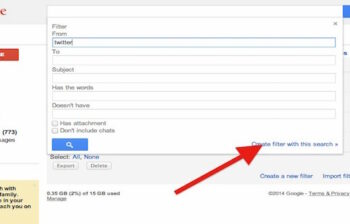
Get disposable email addresses in Gmail. You can have unlimited email addresses for free! Use them to easily add filters and labels for email organisation.
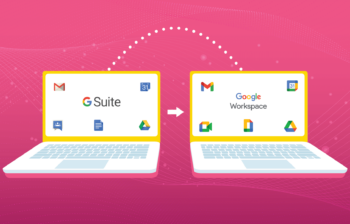
The big news recently is that Google have rebranded G Suite to Google Workspace. There is more to it however, than just a rebrand.

Over the last ten years, G Suite has grown to provide more tools, functionality and value to help businesses transform the way they work. The one thing that hasn’t changed over this time is price.

Changes to privacy laws (especially in the EU) mean that a number of services have created ways to meet the data retention policies. Google Analytics will enforce theirs on May 28th – make sure you act or you will loose data.

There is lots of buzz about the change to the Gmail interface coming to it’s 1.8 billion users – if you haven’t noticed then you may be under a rock, or out actually getting stuff done in your business. Here are four articles we curated for you that give you the biz on what’s coming. […]
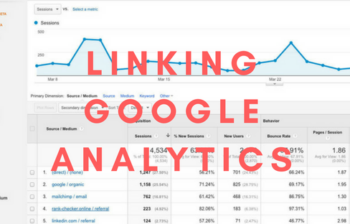
Are you a data nerd? Here we show you how to link Google Analytics to your Google Search Console property for extra data for free! Make sure you have both your analytics property and Search Console property set up and verified. Go to Admin – Property – Property Settings – Search Console Connect to your […]
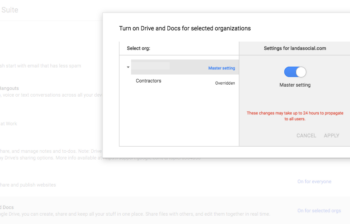
What happens if you have someone coming into your organization that is temporary, and only needs access to email? For some reason you need to restrict their access to an entire services here is how you use GSuite Organizations to do it. Here are some steps to follow: 1. Go to admin.google.com 2. Click on […]
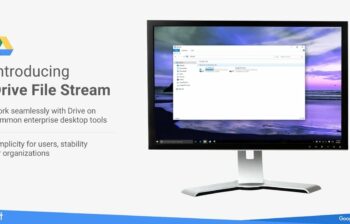
This article and video discusses how to install Google File Stream – the tool that syncronises your Google Drive to your computer for use. Here is the link for Google File Stream https://support.google.com/drive/answer/7329379 Click “Download for Mac” Once downloaded Go to your “G Suite Admin Console” Click “App Settings” Click “G Suite” Click “Drive & […]
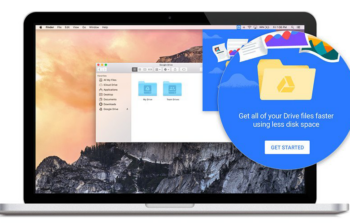
End your file storage woes in the Cloud with Google File Stream. Finally a way to see all your documents in the cloud, on your computer and avoid the limitations of your hard drive, and cut down on expensive network traffic! Google File Stream makes all your Google Drive documents appear on your computer for […]
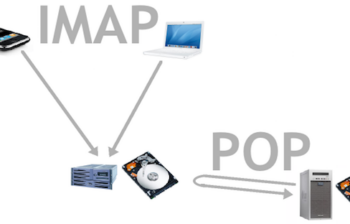
This video shows you how to set up a forwarding address in Gmail, so that your account automatically sends any email it receives on to another account it could be a non-Gmail account. Note: You will need to have access to the receiving account so authorise the forwarding. Steps: 1. Login to the Gmail account […]
You may not want to / cannot administer your google+ or business listing on your own, so you need some help. Here is how to add another user to your business listing in Google. Steps: Login to http://business.google.com Hit Manage Location of Manage Page Top left menu – Managers Enter the email address of the […]